Ever since I was old enough to prop myself in front of a computer, I knew technology is where I wanted to be. Watching technology advance over the years has been incredible and a privilege to be able to work in this space.
Technical Skills
HTML
CSS
JS BASICS
AI TOOLS (CLAUDE & V0)
DOCEBO (LMS)
Design Skills
Software
What I’ve been doing recently
VERCEL 10/2022-09/2026
✦Learning experience design specialist
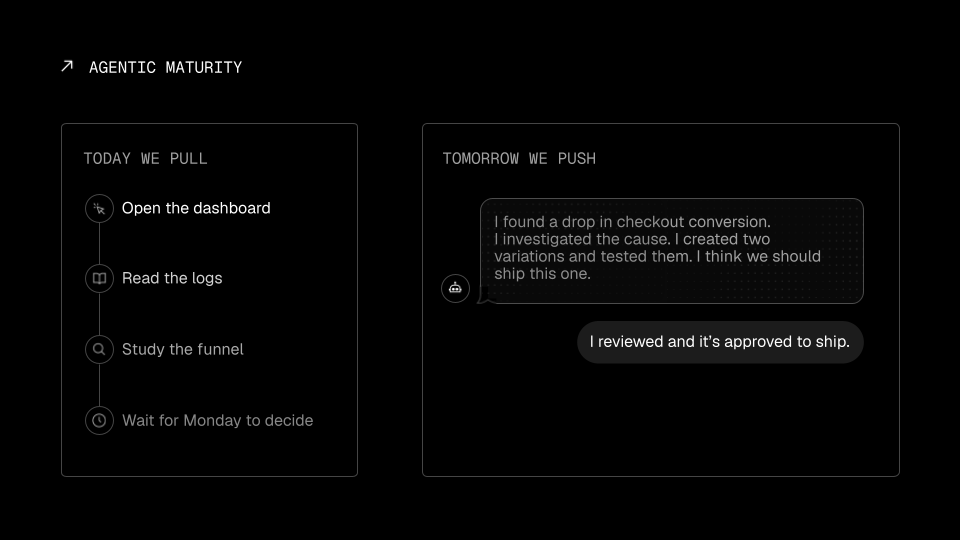
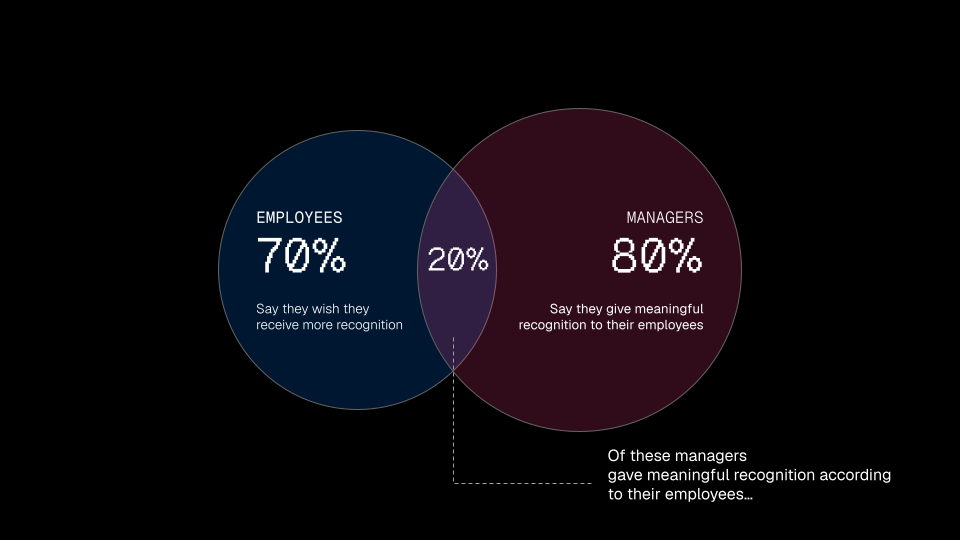
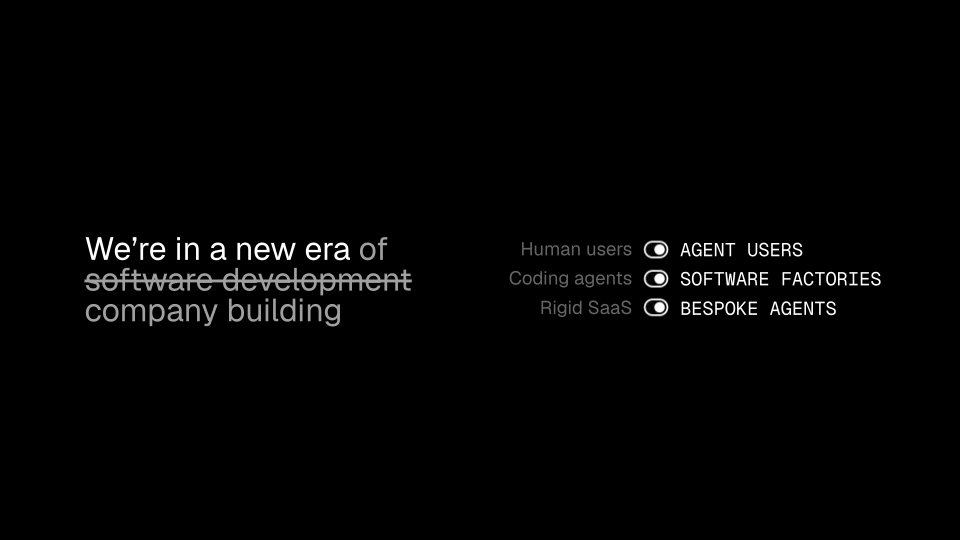
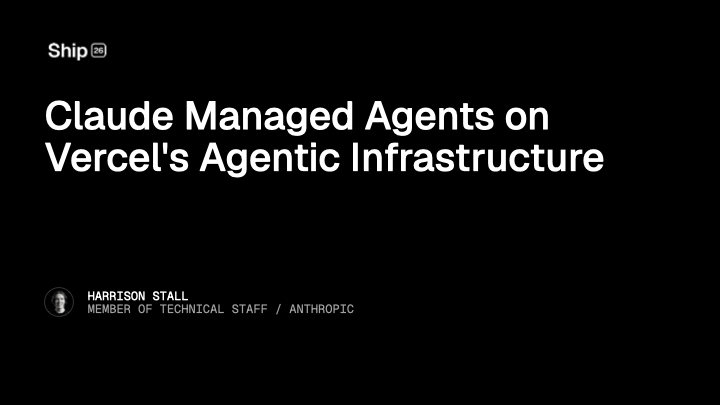
Crafted slide decks for executives, company and department All Hands, SKO, and training bootcamps; redesigned customer conference decks (Vercel SHIP) to match brand standards; and designed presentations for internal employee-led classes at an all-company offsite
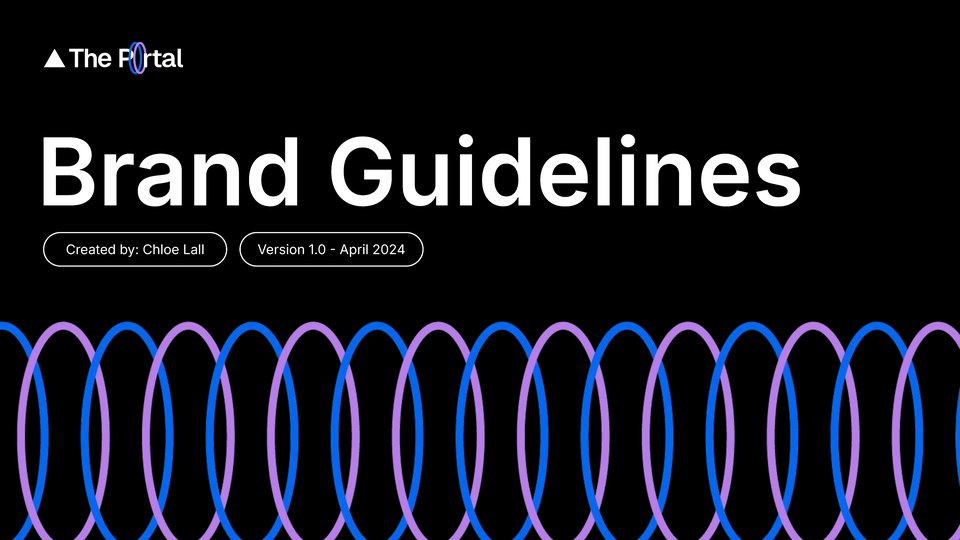
Built a full learning brand identity concept — logos, logomark, motion, and a brand guidelines deck
Designed and launched a pre-boarding portal used by 800+ new hires, owning the process end-to-end from design to development (HTML, CSS, UI, graphic design)
Produced a seven-part executive video series (filming, editing, motion titles & graphics) watched by 600+ employees
Built an interactive security compliance training rolled out to 600+ employees with an ~85% completion rate, replacing an external vendor and saving the company thousands
Created Notion pages across the org, turning complex information (compensation bonuses, stock, equity) into attractive, easy-to-digest layouts
Launched the first company certification program, certifying 95% of the company with baseline Vercel knowledge
Sole LMS (Docebo) administrator (UI/UX, reporting, analytics)
✦Sales enablement specialist
Designed onboarding programs and courses for three sales roles (AE, SDR, CSE)
Partnered with sales leaders and SME’s to develop courses
Built ramp courses for new product releases for quick adoption
Click each tab below to read more about my featured work.
All hands at Vercel is a crazy time. But also fun.
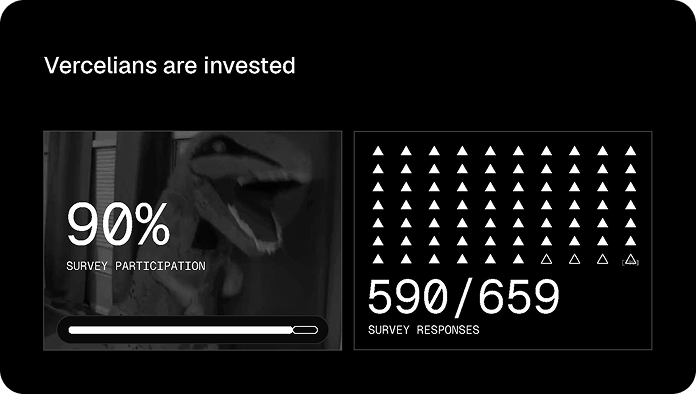
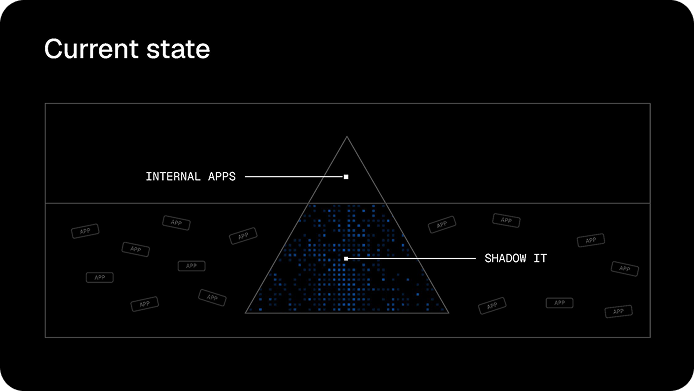
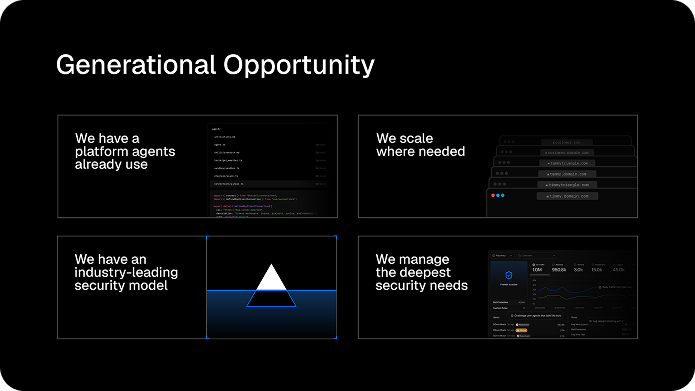
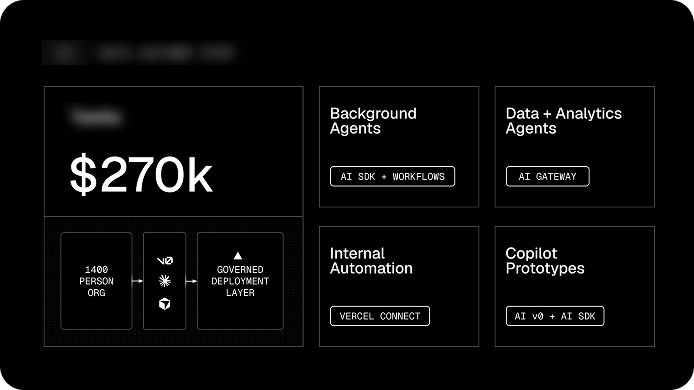
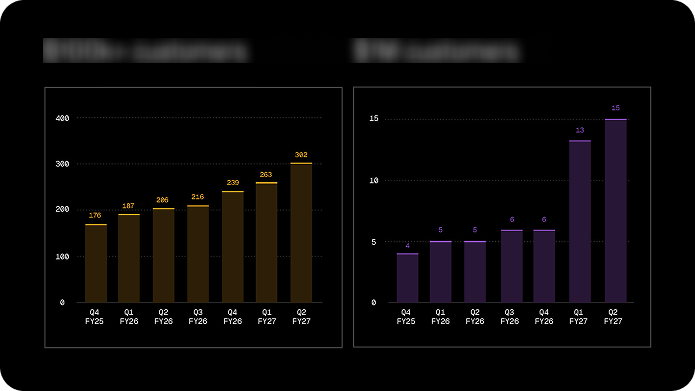
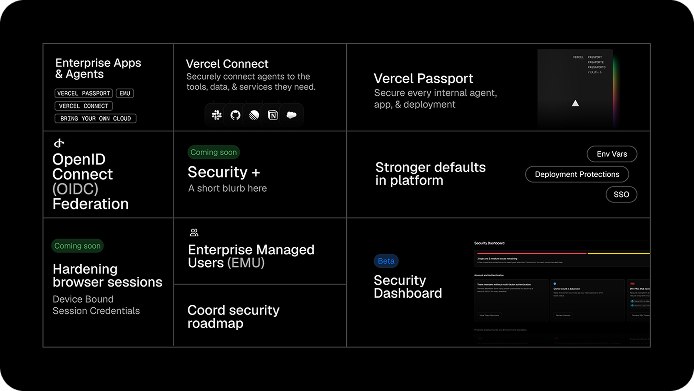
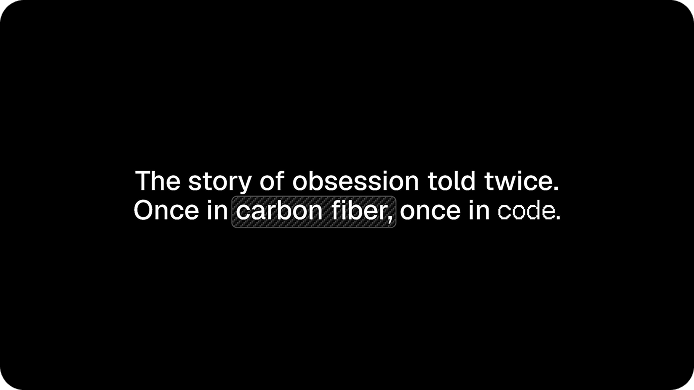
Vercel’s company All Hands was like prepping for a keynote on the main-stage. Almost every employee attended (between 500-600) and the preparation involved a lot of moving parts. I would work closely with the lead communications manager and with everyone else who would be presenting, which included the CISO, CEO, CPO, COO, and countless leaders across the org. I’d often turn their simple talk track or ideas into slides that matched Vercel’s brand standards while keeping the information digestible. I can’t include the whole slide deck for confidentiality purposes, but I’ve included a few of my favorites.
What was done
Graphics assets used in slides
Cross-collaboration with execs across the org
Full decks (20-30 slides) presented to full company
Skills I utilized
GRAPHIC DESIGN
COLLABORATION
I created most of the graphics for All Hands in various software, some in Photoshop, some in Figma, and a bulk were done in Google Slides. Vercel’s brand is very minimal and clean and I wanted to make sure that it came through in the overall design.
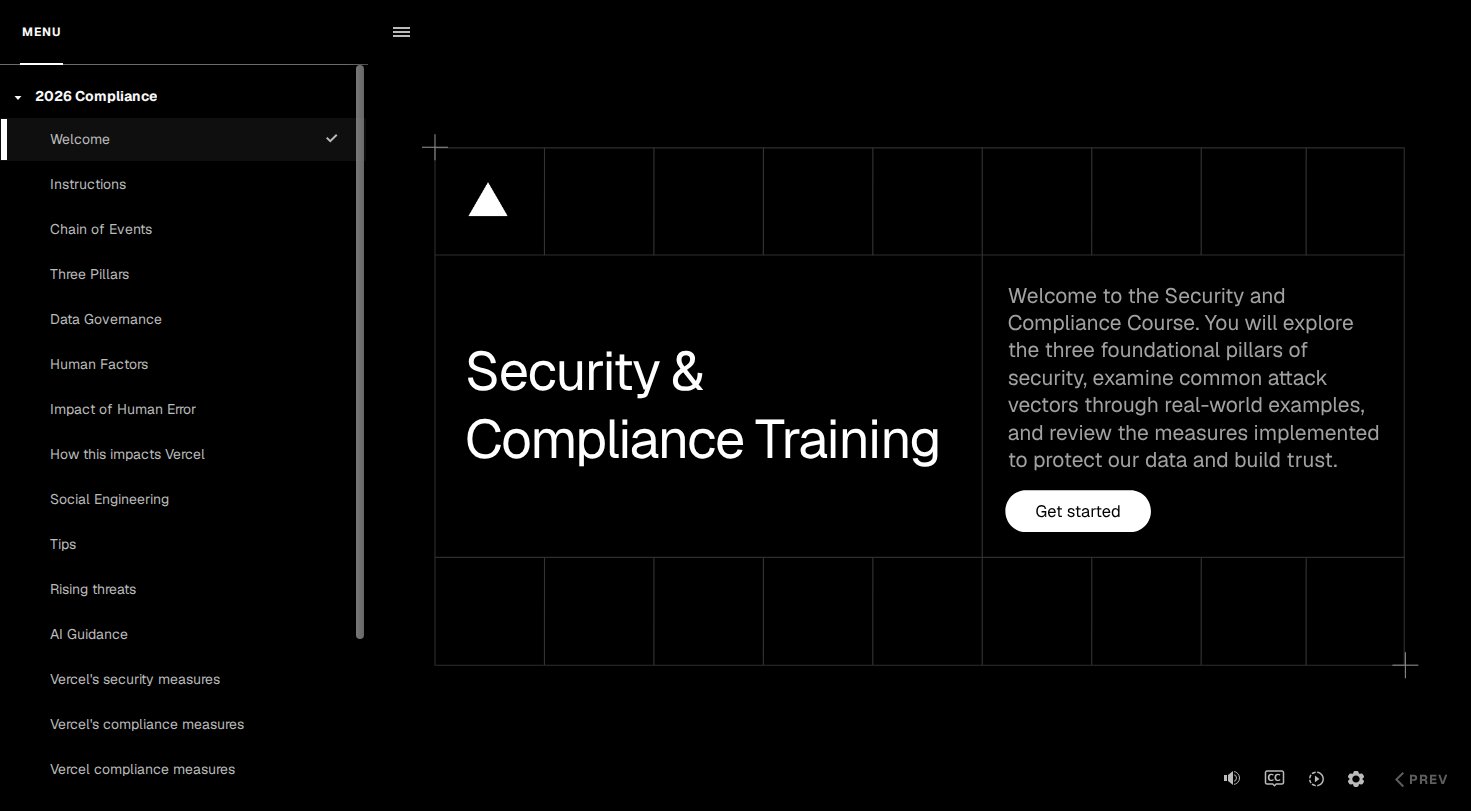
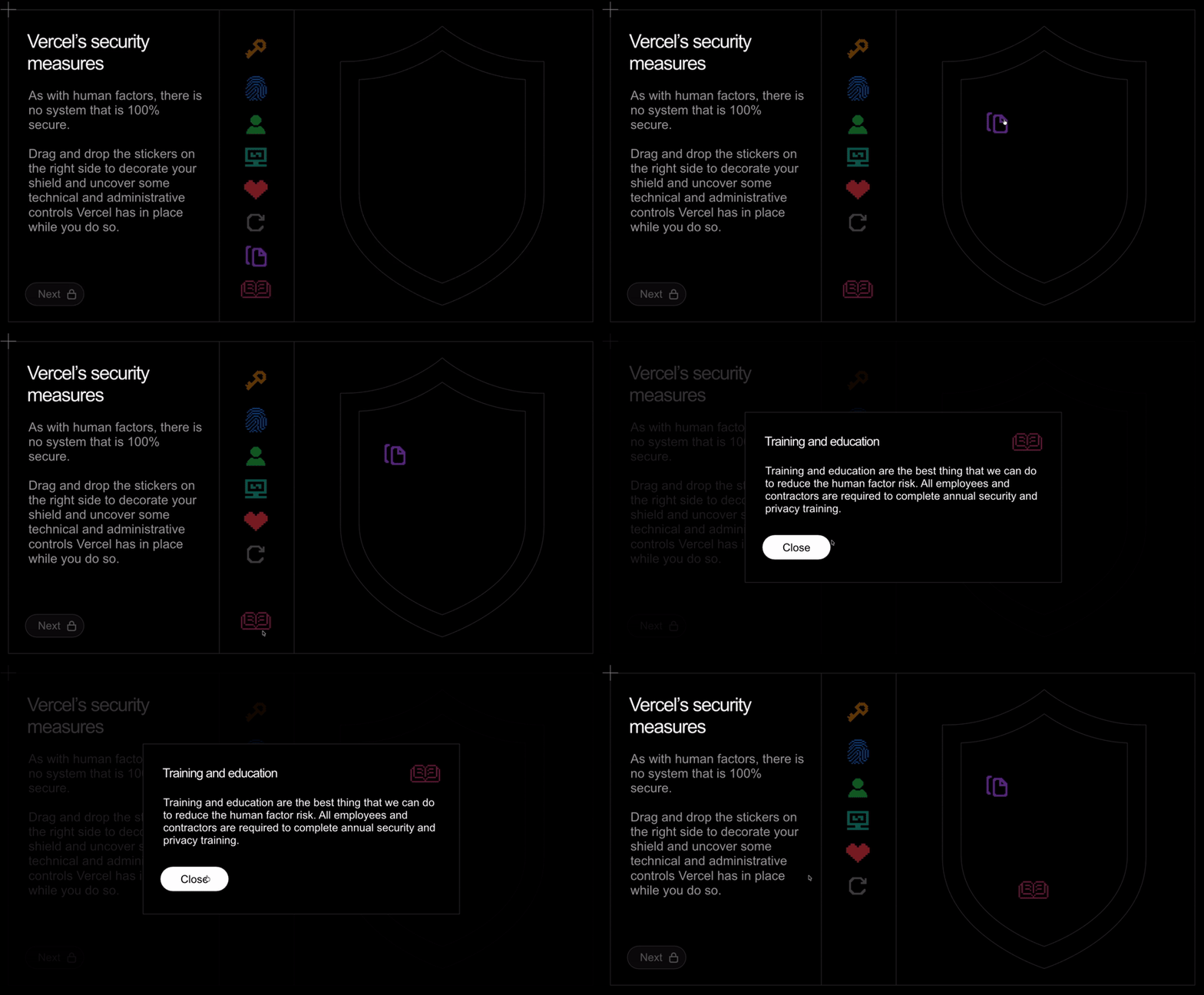
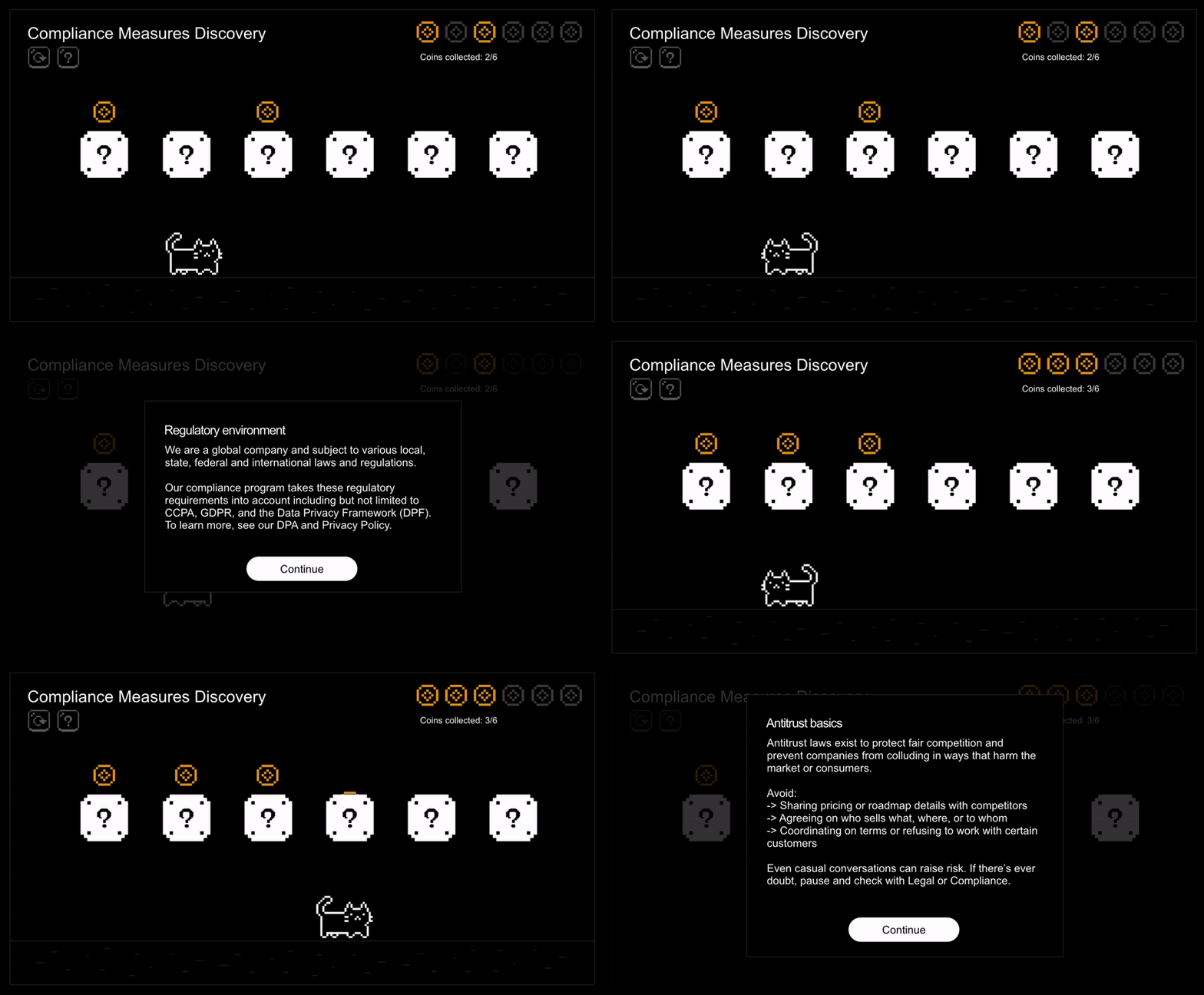
Custom in house security training for SOC2 compliance. Below you can interact with the training! (Some items are redacted for security purposes and the menu is unlocked for ease of clicking around)
The interactive course plays on the live site
The security and compliance team came to me with a Notion document and an ask to build our very first in-house compliance training. We previously used curricula to assign out the mandatory training, but the problem was it lacked specifics on company processes and procedures that the team wanted to include. The training you are viewing now is the second iteration and is something I’m quite proud of. Compliance training is often seen as boring and a checkbox to complete, but I wanted to really craft a training that would be interactive and engaging in hopes to let employees have some fun with it! This was rolled out to every employee (which was 600+ with an avg of 85% completion in the 2026 compliance cycle!)
What was created
Custom graphics
Built custom layouts from scratch in Storyline
Animations in Storyline
A gamified lesson created in Storyline
AI sound effects & narration
Skills I utilized
UI/UX PRINCIPLES
GRAPHIC DESIGN
INSTRUCTIONAL DESIGN
INTERACTION DESIGN
Instructional design played a huge part in crafting this training experience. I used a lite version of the ADDIE model since most of the content was already written out (I had to stick with the script for compliance reasons) and the assessment questions were already written, so I just designed them. But I knew that the needs and overarching goal was to make sure the relevant parties taking this course understood updated compliance rules and regulations to ensure the company remains SOC2 compliant. The design was the biggest puzzle since all I had was a Notion document and the words “Anything works!” and so I ran with it. I organized the content (in conjunction with the SME’s) and got to work on development. I used Articulate Storyline to develop this course and experimented in various ways to bring interaction, where I also flexed my UI/UX & interaction design muscle. Once finished, reviewed, and iterated on, it was ready for the LMS upload. In the LMS I provisioned the training out to various employee groups, set deadlines, and ran reports until the security audit was complete. This was one of my favorite trainings I’ve created to date!
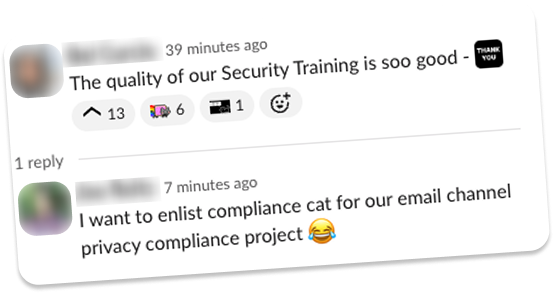
Love letters
Sharing some kudos from employees around the company. *Names and photos redacted for privacy
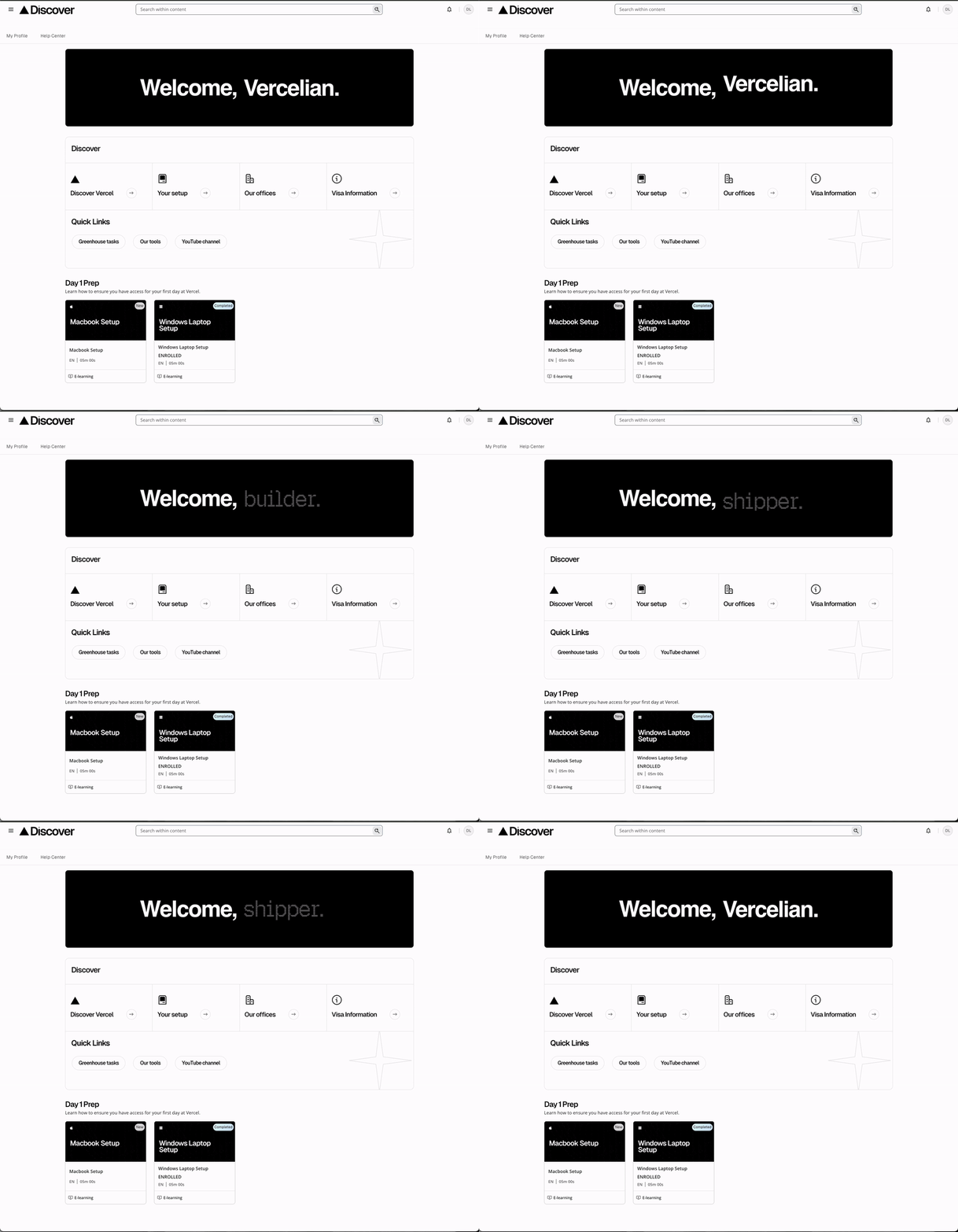
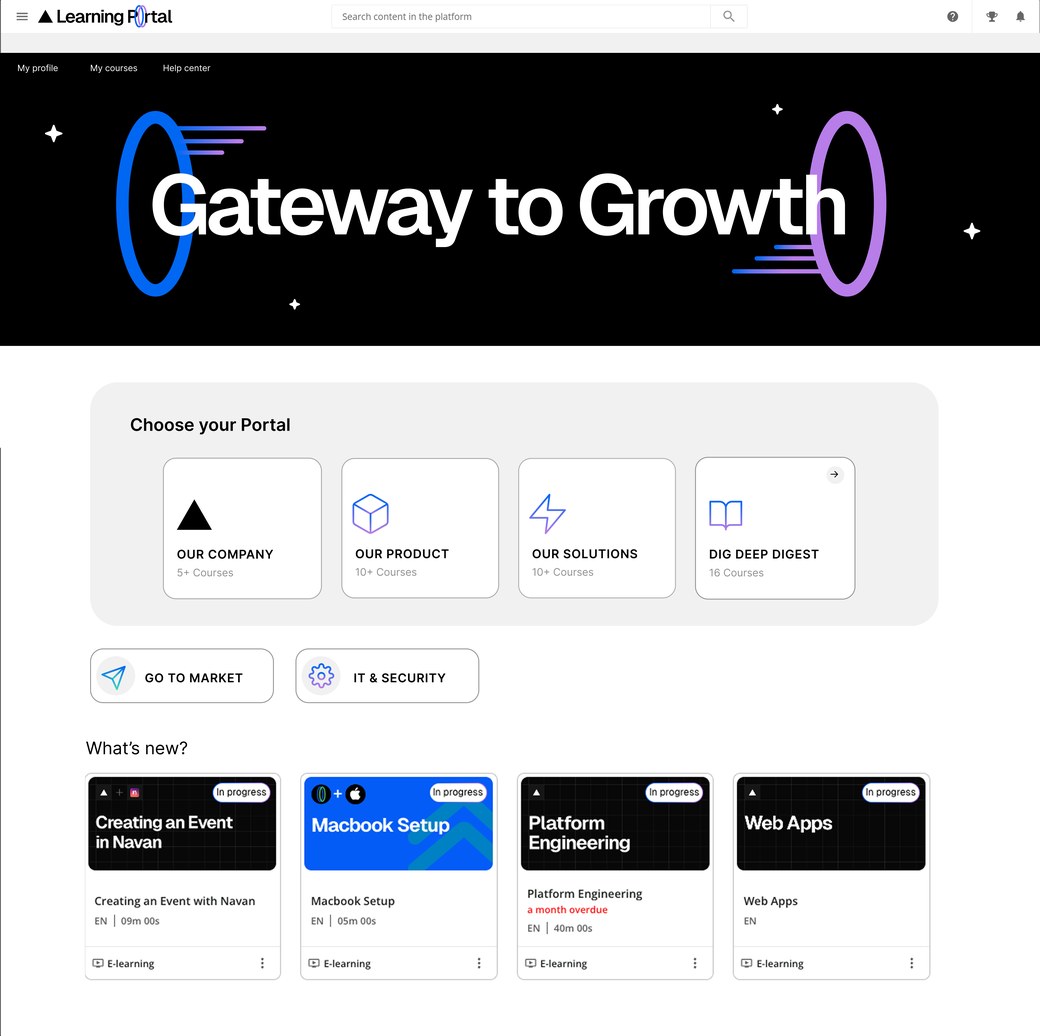
A pre-boarding portal built on top of Docebo LMS for new hires before their first day at Vercel.
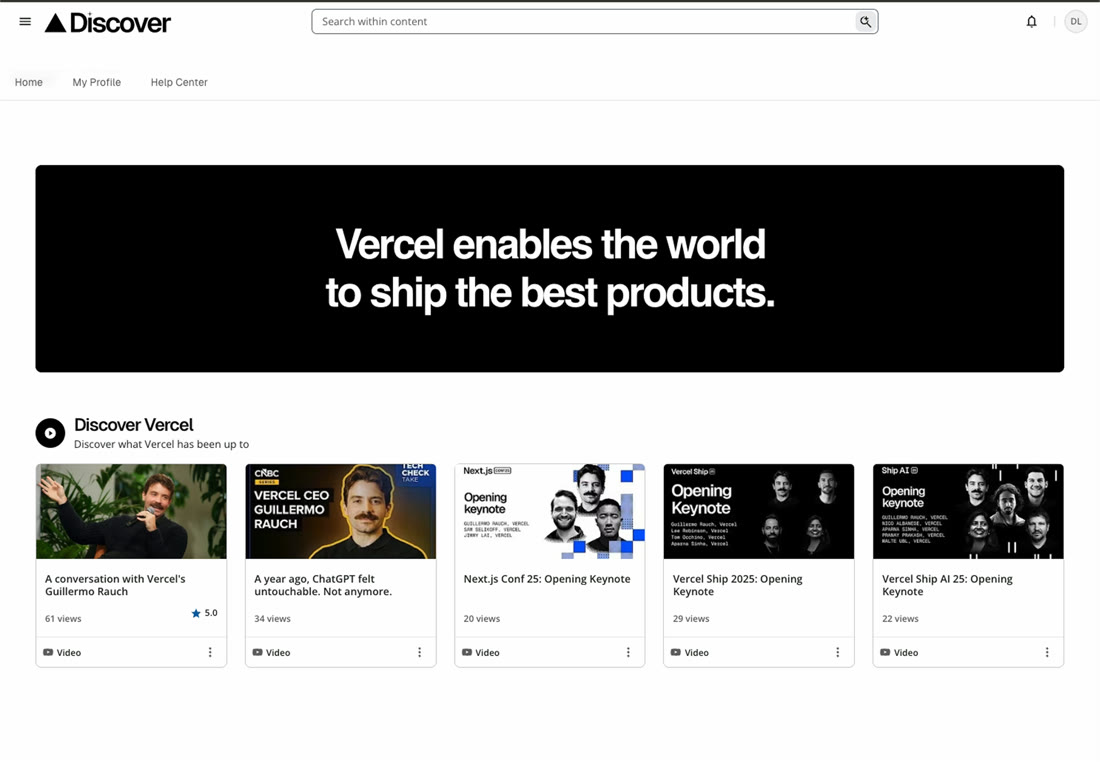
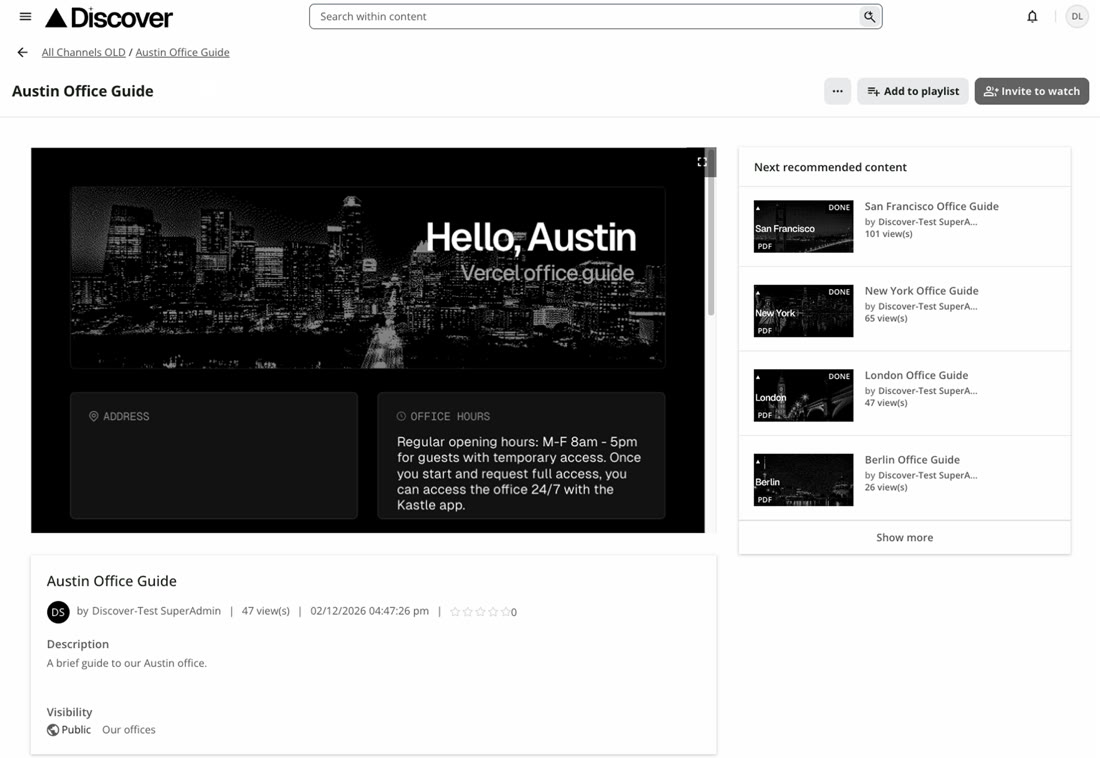
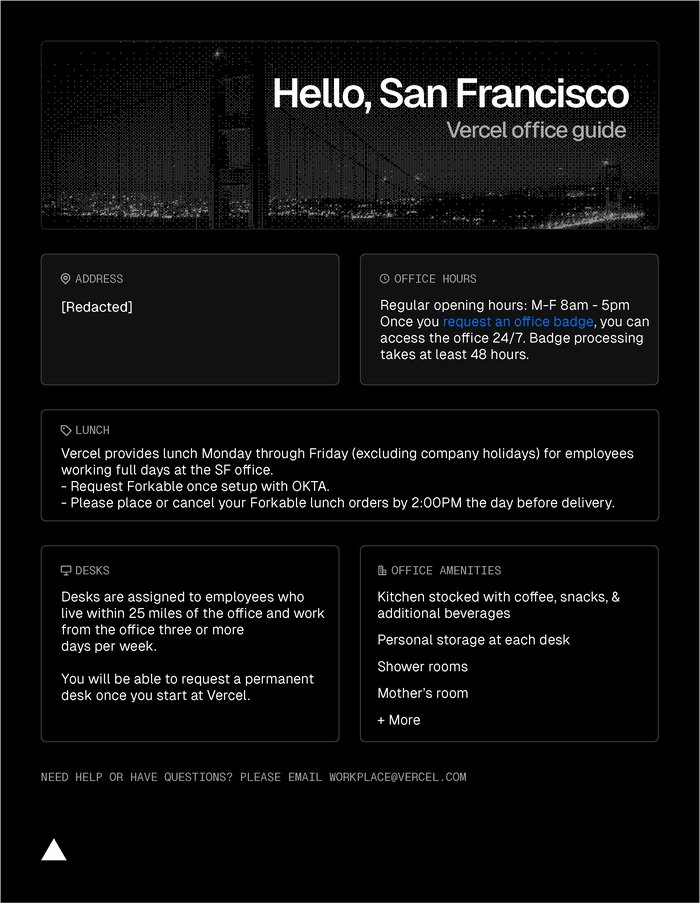
A Discover Vercel page that housed recent news and updates.A downloadable PDF guide for the Vercel Austin office. *Some information is redacted for security purposes.
The inspiration behind this pre-boarding portal came from new hire emails! The team (and others in recruiting and people operations) received a handful of emails from eager new hires asking if we had any material they could start learning or reading about before their start date, so our pre-boarding portal, Discover was born as a centralized location of necessary information. I owned this entire build, from the concept to execution in design and functionality. Over 800 new hires have utilized this portal and continues to grow.
What was created
A fully custom HTML & CSS homepage built on Docebo LMS
5 brand new & updated office guide PDFs
5 new courses on tooling, laptop setup, office setup, and onboarding tasks
A new logo
Curated content relevant for new hires in the Discover Vercel page
Backend setup for account creation, channel & page creation, and user management
Skills I utilized
HTML & CSS
UI/UX PRINCIPLES
GRAPHIC DESIGN
INSTRUCTIONAL DESIGN
With this project, I utilized a handful of different skills at once. While I’m mainly an instructional designer, I was able to flex my web design skills here using HTML & CSS and my experience with UI/UX for the web interfaces. My graphic design background was used in creating the office guides, thumbnail designs, logo, and page banners. Instructional design was used in creating the office setup course and the laptop setup courses. The problem I wanted to help solve is to give new hires information that would be useful before their first day at Vercel. Starting a new company can be overwhelming, so I wanted to have a portal that helped them with the bare necessities.
Watch a walkthrough video
View more of the Discover portal through this walkthrough video!
An interactive course built in Articulate Rise to illustrate ways to use the remote office stipend.
The purpose of this course was to illustrate the various items that can be purchased with the remote office stipend offered by the company. This stipend had by far the most questions coming in, which is why I focused on building this quick course to help alleviate them. While simple, we saw a drastic reduction in questions (by at least 80%) and it even gave people inspiration on how to setup their WFH office desk. I housed this course in our pre-boarding portal so new hires could plan how they’d want to spend their stipend once they started.
What was created
Graphics assets used throughout the course
Job aid on submitting claims in COMPT
Interactive modules
Skills I utilized
GRAPHIC DESIGN
INSTRUCTIONAL DESIGN
I created most of the graphics in this course with Figma + Photoshop. The instructional design side came from distilling a list of acceptable and not acceptable stipend uses and figuring out how to illustrate them. Which is done via the clickable setup section in the course (Fun fact, that’s actually a photograph of my desk!) to give people a visual on what they can buy with the stipend.
A series of onboarding videos that give insight into the business.
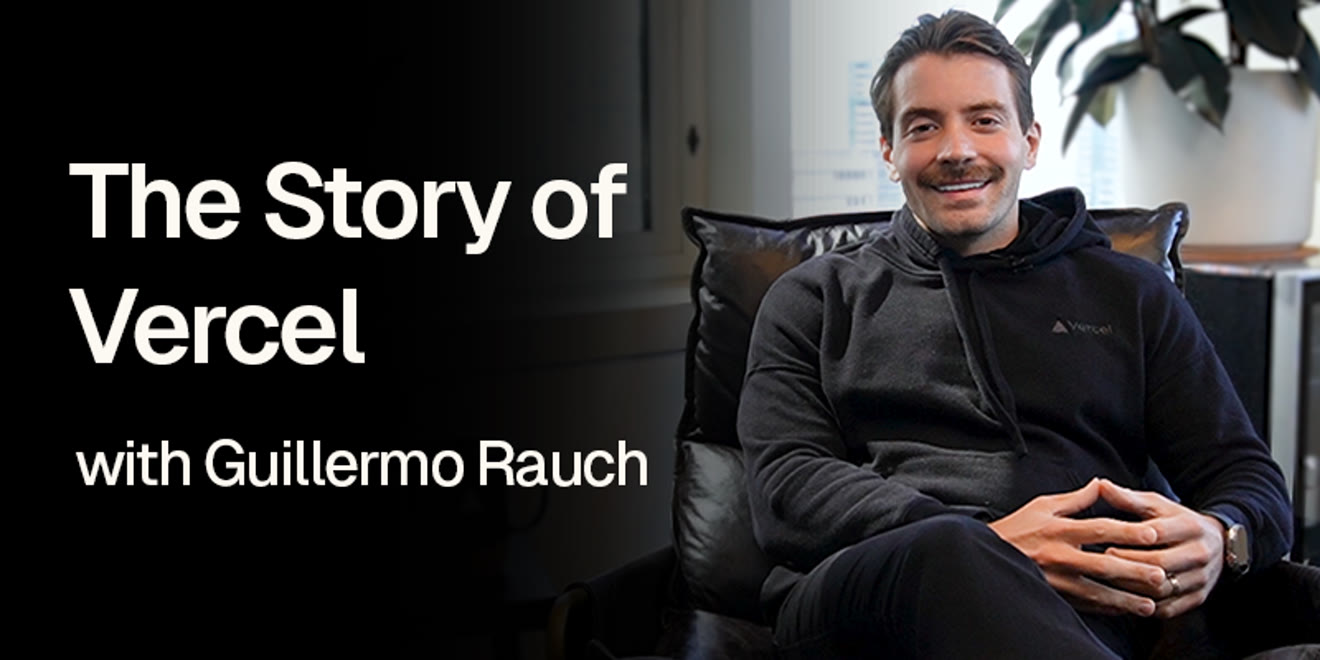
Above is the trailer I created out of all our onboarding videos to showcase the full range of topics covered. We knew we wanted to have an executive presence in onboarding, but we were having trouble scheduling all of the executives to speak at onboarding calls twice a month, so voila! We created this onboarding series to expose new hires to who the executives were while also learning about different areas of the business. There are seven total videos in the onboarding series and every new hire watches them (over 600 at this point). Below is a full video of the CEO talking about the Story of Vercel.
What was created
Onboarding logo + animationAnimated title cardsAnimated question cardsThumbnails for the LMS channels
Skills I utilized
GRAPHIC DESIGN
VIDEO EDITING
BASIC ANIMATION
Creating these videos was a team effort. We all filmed in the CEO’s office for all but a couple of the videos and even staged it to make the videos look more professional. I edited all the videos and taught myself how to make basic animations to add some magic to the title and question cards. It was tons of fun on the journey working with all the executives to film these all the way to seeing the finalized product.